What happens after I pay the $29?
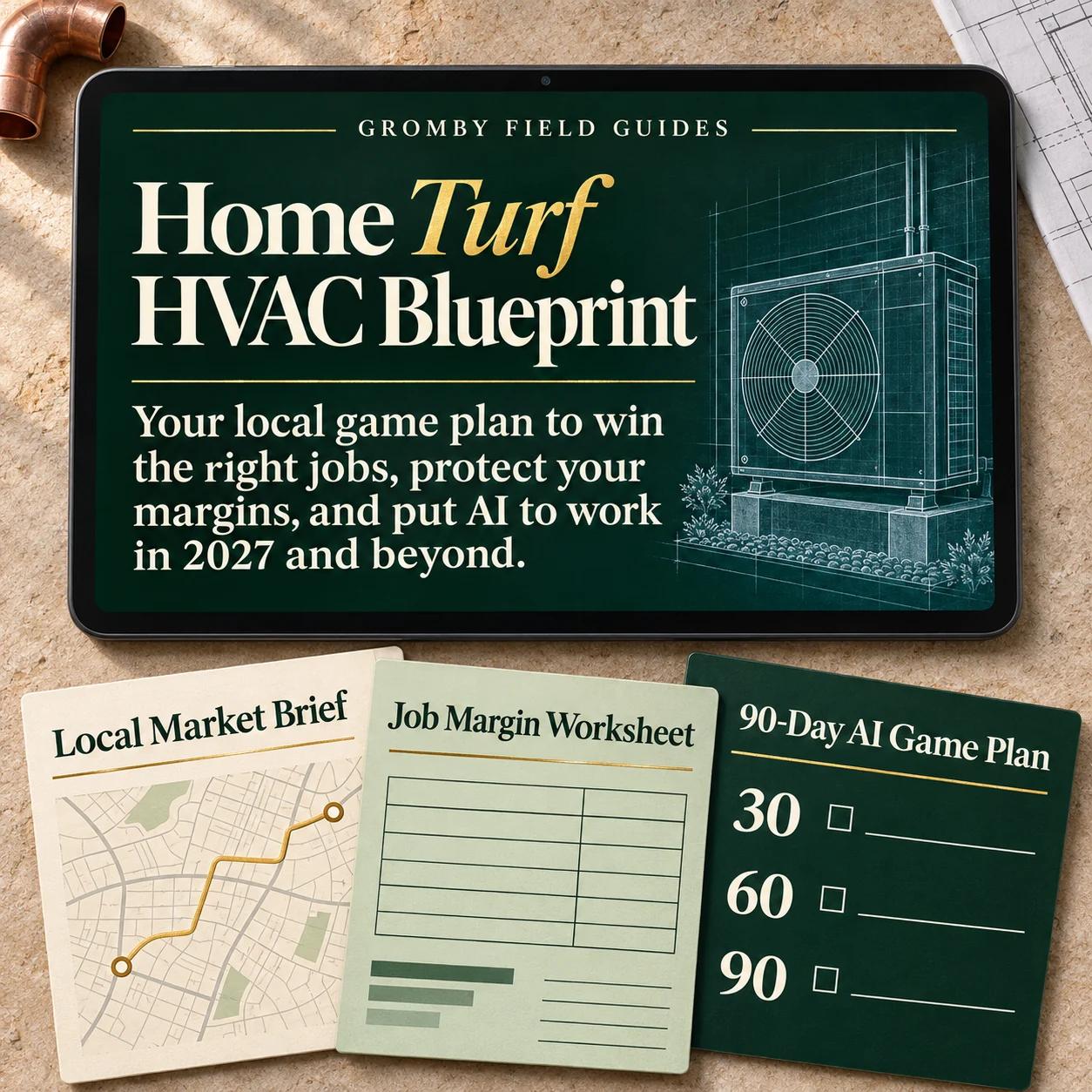
Stripe returns you to your private edition. We read your shop’s public website. Confirm the shop name, choose a U.S. service town or ZIP and pick your first priority. Your full guide opens in the browser. Bookmark your private link or choose Save HTML to keep a copy.
What actually changes for my shop?
Your public service and location pages give the guide a starting point. Confirm your town or ZIP and choose the work you want to grow. Those choices change the local data, first assignment, customer conversation, AI test and 90-day plan. You supply your actual costs, receipts and crew hours.
What if I cover several towns?
Pick the U.S. town or ZIP where you’re deciding whether to send the next truck. You’ll get matching Census figures where available and a state electricity benchmark when the state is known. ALPS includes a researched Orange County competitor comparison. For your own territory, the chapter shows how to compare local offers against your written bids.
Can I use it with the team and software I have?
Yes. Read the HTML guide in a browser or save it for your shop meeting. The calculators and chapter navigation work offline. Your office can run the first experiment with its current tools. CrewForge and Gromby Agent OS are optional next steps.